Sign in to your wwtoto2 wap account
One sign-in puts our live tables, slot rooms and sportsbook markets in front of you. Enter your username and password, confirm the device prompt, and the lobby loads...
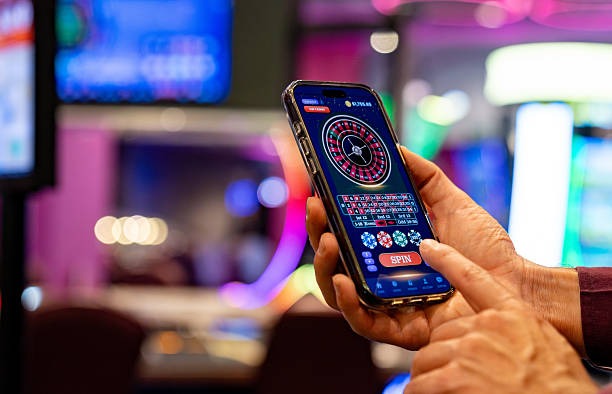
What to expect when you sign in
Your login carries everything across with it — saved payment chips, recent slot rooms, sportsbook selections and the live tables you opened last session. We ask for your username and password, then a quick device check if the browser is new. After that, you land straight on the lobby with DANA, OVO, GoPay and QRIS visible in the chip row. Forgot your
password? The reset link sits under the sign-in button and uses your registered phone or email to verify you.
Accepted payment context after sign-in
Once you're signed in, the cashier row shows the rails we support for Indonesia. Pick the one tied to the wallet you already use day-to-day —...
DANA
OVO
GoPay
QRIS
ShopeePay
BCA
Mandiri
Help paths if login won't go through
Three quick routes are open if the sign-in screen pushes back. Pick the one that matches what you're seeing and we'll get you back into the lobby.
Password reset
Tap the reset link under the sign-in button. We send a one-time code to the phone or email on file so you can set a new password and head straight into the lobby.
Live chat
Our support window sits in the bottom-right of every page, including the login screen. Open it, share your username, and an agent walks you through the device or password check in real time.
Account recovery
Locked out completely? Send us your registered details through the recovery form and we'll verify identity, clear the lock, and confirm by message once your account is ready to open again.
Why our sign-in screen stays consistent
We keep the login flow predictable so you always know what you're tapping. These are the editorial signals we hold ourselves to on every session.
Same URL every visit
The login page lives at one address — wwtoto2wap.com/login/. Bookmark it once and you'll never hunt for a mirror or...
Encrypted entry
Your username and password move over an encrypted channel before they reach our account system. The padlock in your browser...
Device prompts
New phone or new browser? We send a short verification prompt so a stranger can't sign in with stolen details...
No third-party form
We never ask you to type your wwtoto2 wap password into anything but this page. If a link drops you...
Indonesia-tuned
Phone formats, wallet names and time stamps follow Indonesian conventions. DANA, OVO, GoPay and QRIS appear by name, and the...
Human support
Behind the chat bubble are agents, not bots cycling canned replies. They can see your account state and walk you...
Login flow consistency across devices
Same brand, same login fields, same lobby on the other side — here's how the sign-in holds together whether you're on a phone in transit or a desktop...
| Mobile browser | Two fields, one device prompt, lobby loads in seconds. Wallet chips for DANA, OVO, GoPay and QRIS sit at the top of the page so the next tap is already in reach. |
|---|---|
| Desktop browser | Same form, wider lobby. Live tables open in a larger frame and the sportsbook column shows more markets at once without forcing you to scroll sideways. |
| Tablet view | The login form keeps its mobile shape but the lobby uses the desktop grid. Useful when you want slot rooms and live tables visible side by side after signing in. |
| Returning session | If your device was remembered, the prompt step is skipped. You go from password to lobby in one tap, with your last-opened slot or table still pinned at the top. |
| New device | Extra verification step kicks in. We send a code to your registered contact, you type it once, and that device joins the trusted list for next time. |
| Password reset | Reset flow uses the same screen language as login itself, so nothing feels unfamiliar. New password takes effect immediately and the next sign-in works as normal. |
| Support handover | Open chat from inside or outside the login screen and the agent sees the same account state. No need to re-explain where you got stuck — context carries across. |
What the sign-in screen puts in front of you
Small details on the login page that tell you this is wwtoto2 wap and not a copycat. Check for these before you type anything.